
How to Make Snapchat Videos That Fit
To make Snapchat videos that fit, export 9:16 at 1080 x 1920 pixels as MP4 or MOV, per Snapchat's ad spec page, and show the product in the first second (Snapchat recommends 3 to 5 seconds). Reviral makes the clip from product photos for 278 credits (~$3.47).
- 100
- free credits at sign-up
- $0
- subscription needed
Snapchat's own video numbers
| Spec | Snapchat value |
|---|---|
| Shape and size | 9:16, 1080 x 1920 pixels |
| File type | MP4 or MOV, H.264 |
| Ad length allowed | Up to 3 minutes on the ads help page |
| Length Snapchat recommends | 3 to 5 seconds |
Read from each site's own page on 21 October 2026: Snapchat Business Help: Single Image or Video specifications, Snapchat Business Help: About Single Image or Video ads.
Step by step: a Snapchat video from product photos
1. Open the UGC studio and set the aspect to 9:16. 2. Add one main product photo and up to four extra angles, or paste the product page link. 3. Pick a hook and a format such as review, unboxing or problem-and-solution, or leave both on Auto. 4. Read the free storyboard and change any spoken line. 5. Render the 15-second clip and upload it in Snapchat Ads Manager or post it to your Story.
Because Snapchat recommends 3 to 5 seconds, put the product and the benefit in the first beat of the storyboard; the rest of the 15 seconds is extra for people who keep watching.
Cost
A 15-second 9:16 video costs 278 credits (~$3.47) at 720p. Sign-up gives 100 free credits with no card, and the exact charge shows before anything renders.
Live price
What it costs on Reviral, live price
Dollar prices are at the $4.99 Mini Pack rate ($4.99 for 400 credits).
Reviral · live price
Read from Reviral's live prices each time this page loads.
| Clip | Credits | Dollars |
|---|---|---|
| UGC studio clip, 15 s at 720p | 278 credits | $3.47 |
New accounts get 100 free credits, no card needed. The exact price is on the button before you render.
On this site
Examples made with Reviral
Each example below was made with Reviral; no stock media.
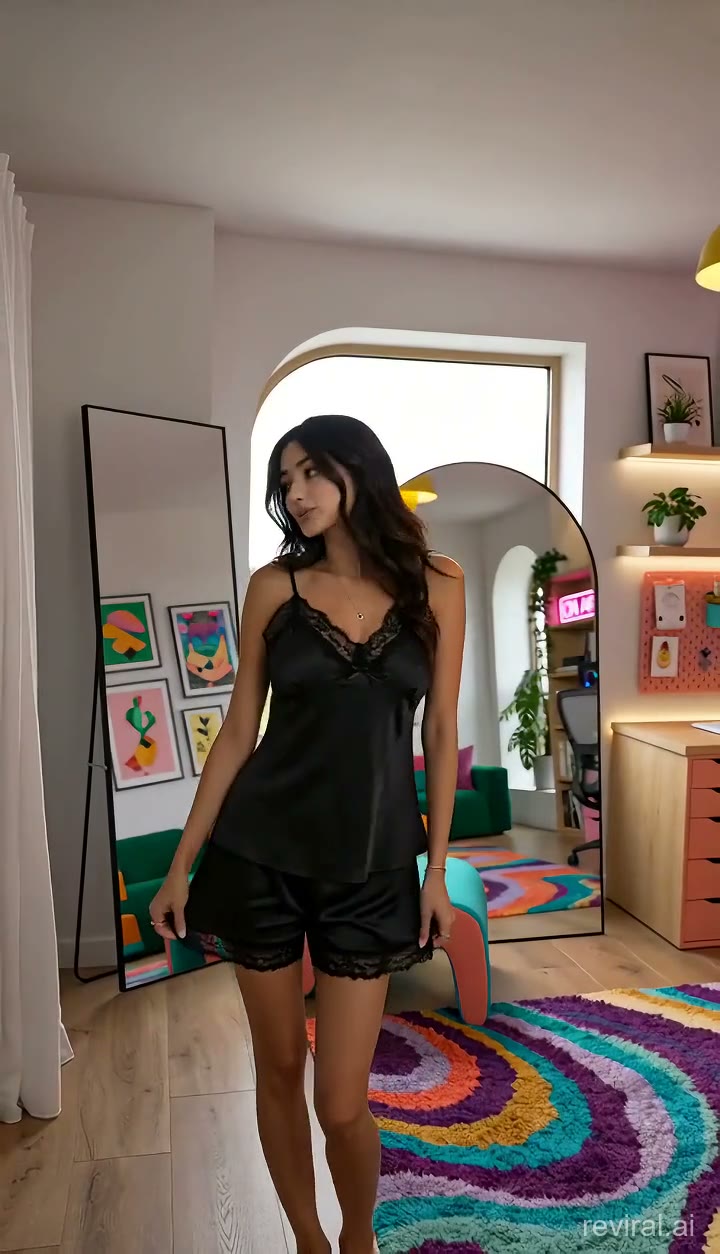
Vertical unboxing try-on (still from the video)
Frequently asked questions
How do you make Snapchat videos look like real Snaps?+
Use a handheld, phone-shot format such as a creator review or unboxing, keep it vertical at 9:16, and talk to the camera. The UGC studio's creator formats are built in that style.
Is there a Snapchat video template?+
The UGC studio's formats work as templates: review, unboxing, problem-and-solution and faceless product reveal each give you a ready shot order and spoken lines you can edit, set to 9:16.
How long should a Snapchat video ad be?+
Snapchat allows up to 3 minutes but recommends 3 to 5 seconds for video. A Reviral clip is 15 seconds, so you can trim it in the free browser editor if you want the shortest cut.
Related pages
Price shown before you render
Make a 9:16 Snapchat video
New accounts get 100 free credits, no card needed. Credit packs never expire.
Make a 9:16 Snapchat videoBy Wilson Sik Founder, Reviral Last updated