
Free tool · no sign-in
Image to prompt generator
Upload a picture. Get the prompt that recreates it. Free, no sign-up, 5 a day.
Turn a picture into a prompt
5 free runs a day
By Wilson Chan Founder, Reviral Last updated
How it works
- Drop, pick or paste one picture: a JPG, PNG or WebP.
- Press Write the prompt. Our AI reads the picture and writes the prompt in about 10 seconds.
- Copy the version you need, or open the prompt in Image Studio and make the picture.
What you get
This image to prompt generator reads one picture and writes the text prompt an AI image maker needs to recreate it: the style, the layout, each person or object, the light, the colours and any words in the picture. You also get a short Midjourney version with the right shape and a Stable Diffusion version with a negative prompt.
- Prompt: The full prompt in plain sentences, with the things that matter most for a close copy first: the style, the shape and where everything sits.
- Midjourney: A one-line version that ends with --ar and your picture's real shape, read from its pixels.
- Stable Diffusion: A one-line version and a negative prompt written for this picture.
- Shape: Your picture's shape, such as 4:5 or 16:9, so the new picture comes out the same size.
Examples from our prompt gallery
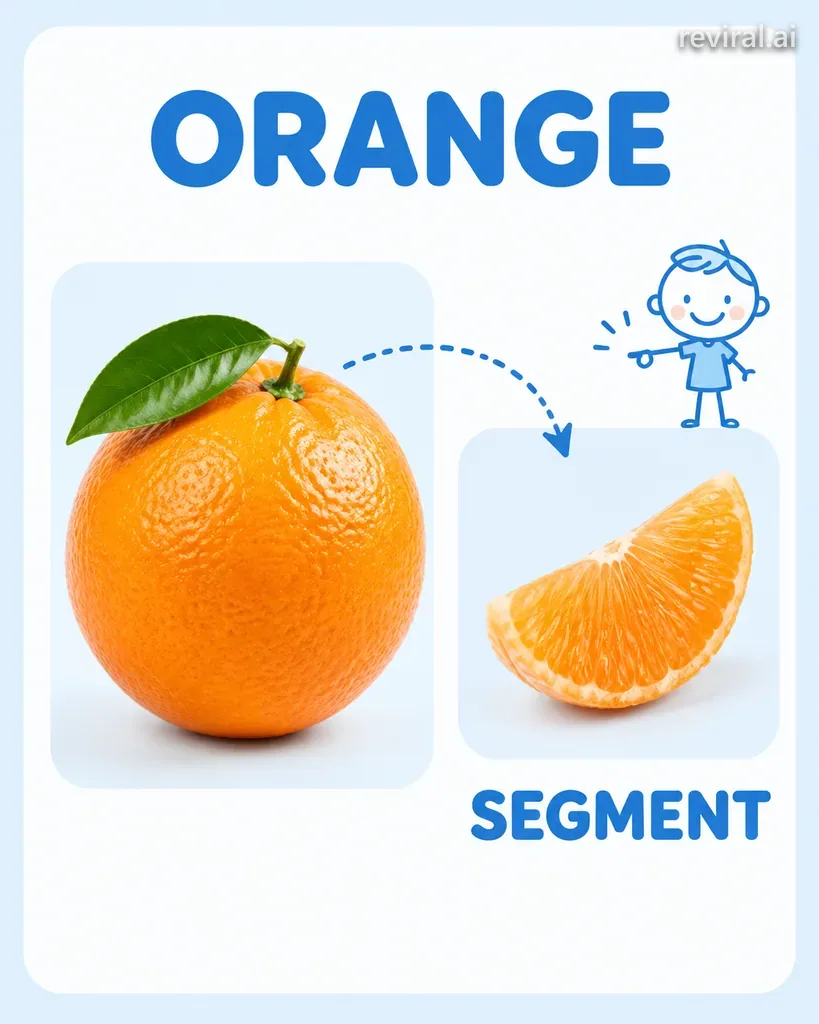
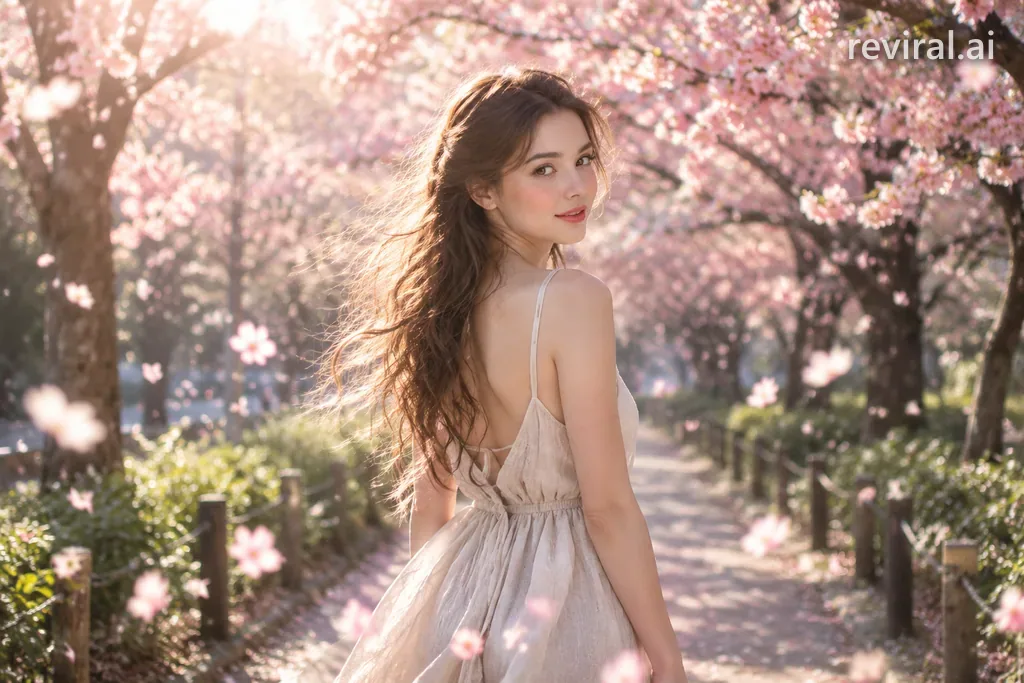
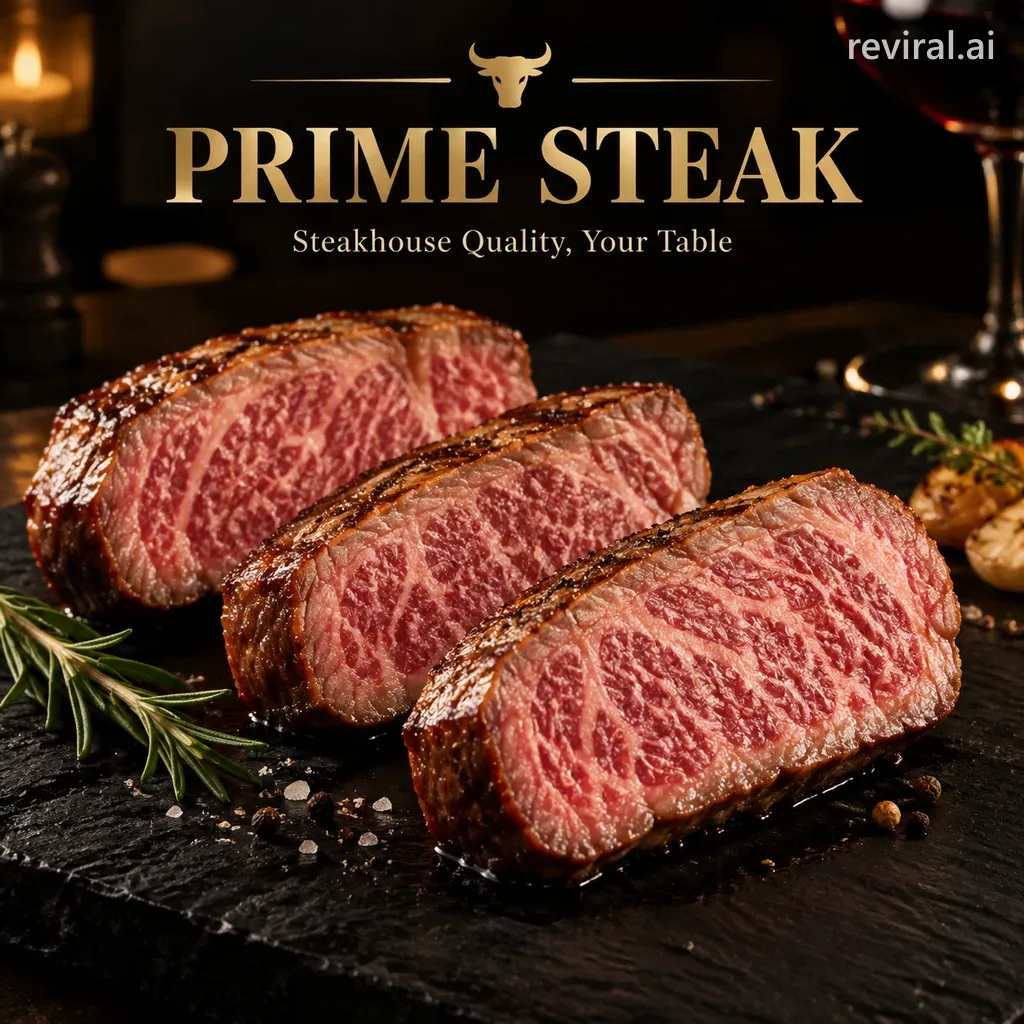
Three pictures from our own gallery and the start of the prompt this tool wrote for each one.
A vertical portrait-format educational flashcard (about 4:5) that mixes realistic studio photography with a simple flat blue line-drawn doodle, set on a clean, bright, minimal layout. A pale baby-blue outer border frames a large white rounded-corner card with soft rounded corners. …
Preschool Fruit Vocabulary Learning CardA soft, dreamy photorealistic portrait photograph in a landscape frame (3:2), with shallow depth of field, creamy bokeh and a warm, glowing, slightly hazy finish. A young woman stands slightly right of centre, taking up about two thirds of the frame's height, seen from behind and the side. …
Cherry Blossom Path Spring PortraitA square, photorealistic food-advertisement photograph with a dark, moody, cinematic steakhouse look, shot at a slightly low three-quarter angle with shallow depth of field. Three thick-cut slices of richly marbled raw-to-rare steak sit in a diagonal staggered row across the lower two-thirds of the frame, each turned to show its cut face. …
Premium Steak Brand Hero Image
Where to go next
Browse ChatGPT image prompts with the picture each one made, make a picture in Image Studio, or see all Reviral tools.
Make the picture in Image Studio
Paste a prompt into Image Studio, pick a shape and make the picture. The prompt tool is free; making pictures uses credits.
Open Image StudioImage to prompt questions
Is the image to prompt generator free?
Yes. Anyone can make 5 prompts a day without signing up, and it uses no credits. A signed-in account gets its own 5 a day.
How many prompts can I make a day?
5 a day for each visitor, and a signed-in account gets its own 5 a day. The count starts again at midnight UTC. A try counts once our AI has read your picture, even if it could not write a prompt for it; a try that stops before that is given back. Free tries also have a monthly limit for the whole site, and when it is reached the tool says so until the next month.
Which pictures work?
JPG, PNG and WebP pictures: photos, cartoons, posters, product shots, screenshots and pictures with text. A large picture is made smaller in your browser before it is sent. GIFs and PDFs cannot be used.
Which AI tools does the prompt work in?
The main prompt is written in full sentences for ChatGPT images and other image makers that read plain English, including Reviral's Image Studio. The Midjourney version is short and ends with --ar for your picture's shape. The Stable Diffusion version comes with a negative prompt.
What happens to my picture?
Your picture is made smaller in your browser and sent to our AI to be read once. We do not store it: it is not saved to an account, a gallery or a file. Only the written prompt comes back to this page.
More free tools
- ChatGPT image promptsHundreds of tested prompts, each with the picture it made.
- Ad copy generatorWrite a headline, offer and benefits.
- AI video prompt generatorWrite a video prompt for Seedance, Veo or Kling.
- Aspect ratio calculatorFind the ratio of any size and resize it for each platform.
- All toolsEvery Reviral tool in one place.