Documents & Publishing@MrLarus
Third Grade Chinese Textbook Page
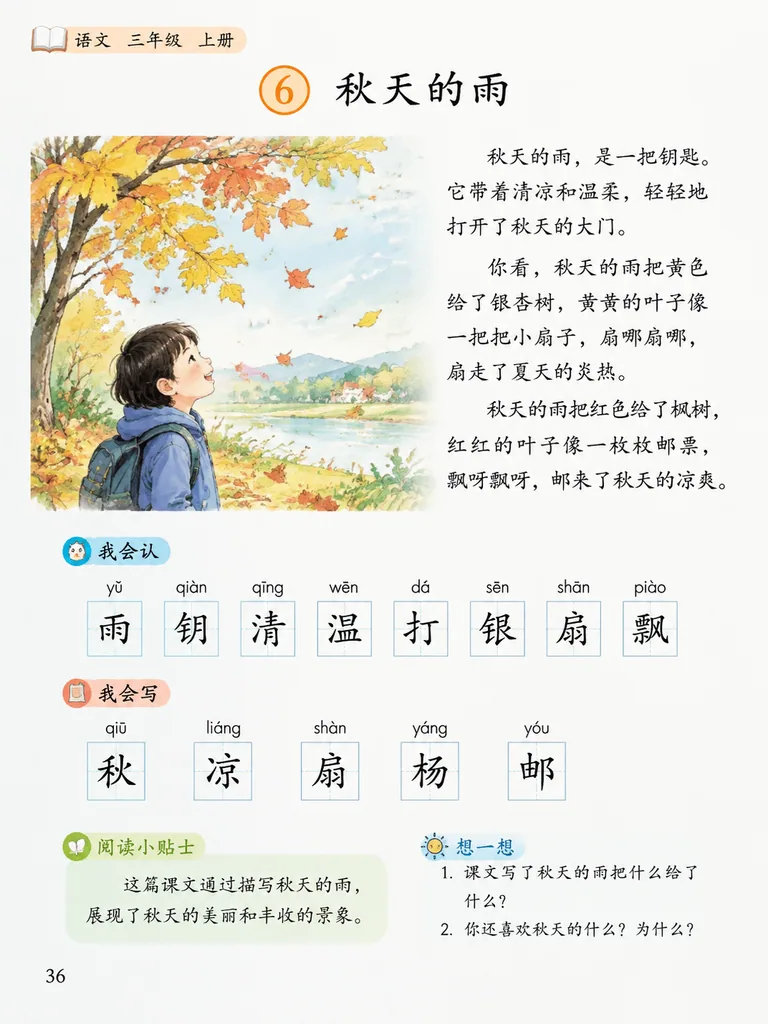
中文 生成人教版小学三年级语文课本的一页 English Generate a page from the PEP (People's Education Press) primary school third-grade Chinese…
- Documents
This prompt works best with your own photo added as a reference.
Copy this GPT-Image-2.5 prompt, replace each word in 【these brackets】 with your own detail, then press Use this prompt to make the picture in Image Studio.
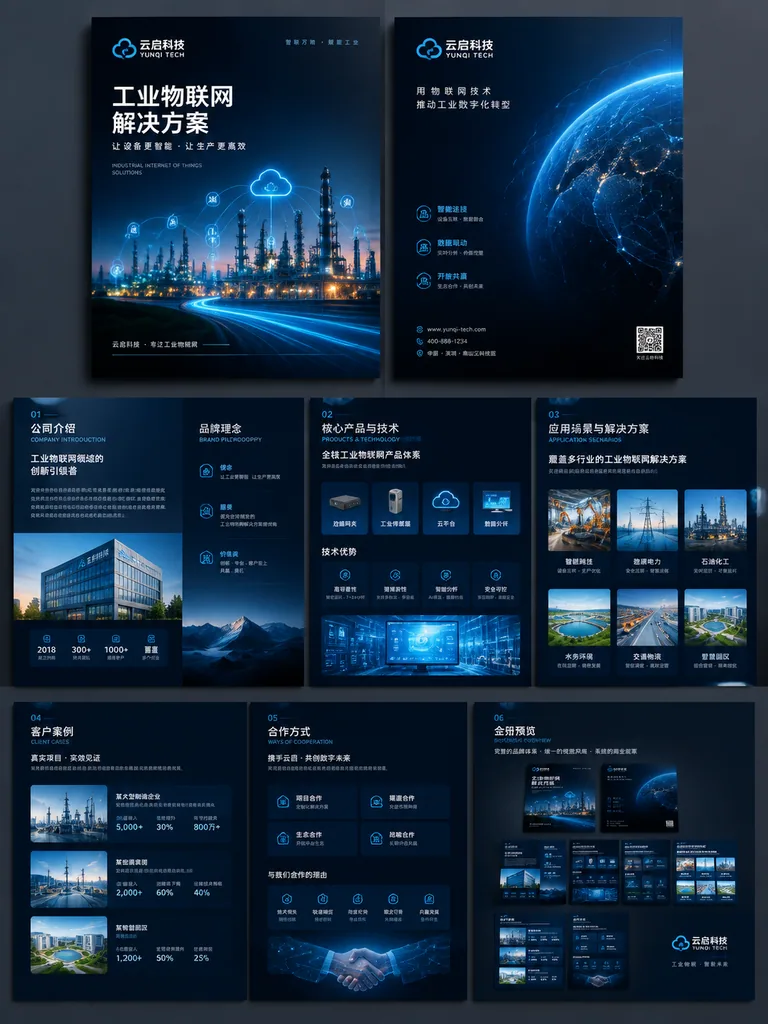
Please generate an enterprise-grade commercial brochure visual scheme, themed as a promotional brochure for the 【行业 / 产品 / 解决方案】 of 【品牌名称】.

Overall style: high-end, professional, with strong visual impact; avoid a traditional Word-layout feel and an ordinary PPT feel. Adopt a 【深色科技美学 / 白色极简商务 / 高端工业风 / 艺术化品牌画册】 style.

The brochure content includes:
1. Front cover and back cover
2. Company introduction and brand philosophy
3. Core products and technical advantages
4. Application scenarios and solutions
5. Client cases and ways of cooperation
6. Whole-brochure system preview image

Requirements:
The layout should have a sense of design, with clear relationships among images, headings, data, icons, white space and hierarchy; keep a unified brand visual system across the whole brochure; focus on showing the level of finish of real commercial collateral, and avoid simple text layouts.

Structure plan:
1. Front cover / back cover: establish the brand's face, the industry character and the overall visual tone.
2. Company introduction page: explain the company's positioning, the scope of its capabilities and whom it serves.
3. Product and technology page: show the core products, technical advantages and solutions.
4. Application scenarios page: let users see which industries the products can be used in.
5. Case / cooperation page: add credibility and commercial conversion information.
6. Whole-brochure system preview: verify the stylistic consistency and the systematic feel of the entire brochure.

If you already have company materials, you can upload an old company brochure, company introduction documents, product manuals, website content, PPT proposals, product images or case images, and let ChatGPT do three things:
1. Reorganize the content structure, judging which content is suitable for the cover, company introduction, product pages, case pages and cooperation page.
2. Distill the brochure's main storyline, avoiding just piling up materials; it needs to form a clear commercial narrative.
3. Unify the visual direction so the entire brochure looks like one brand system, avoiding a collaged feel between different pages.

Pitfalls to avoid:
1. Avoid just saying “generate a brochure” right at the start, otherwise it easily turns into a template image.
2. Avoid just piling up text; a brochure must have product visuals, scene images, data modules and a design hierarchy.
3. Avoid generating only a single page; it is best to add a whole-brochure preview image, which is what shows the complete system feel.Example values used for this picture: 【行业 / 产品 / 解决方案】 = industrial IoT solutions; 【品牌名称】 = 云启科技; 【深色科技美学 / 白色极简商务 / 高端工业风 / 艺术化品牌画册】 = dark tech aesthetic.
Inspired by @MrLarus
Documents & Publishing@MrLarus
中文 生成人教版小学三年级语文课本的一页 English Generate a page from the PEP (People's Education Press) primary school third-grade Chinese…
Documents & Publishing@MrLarus
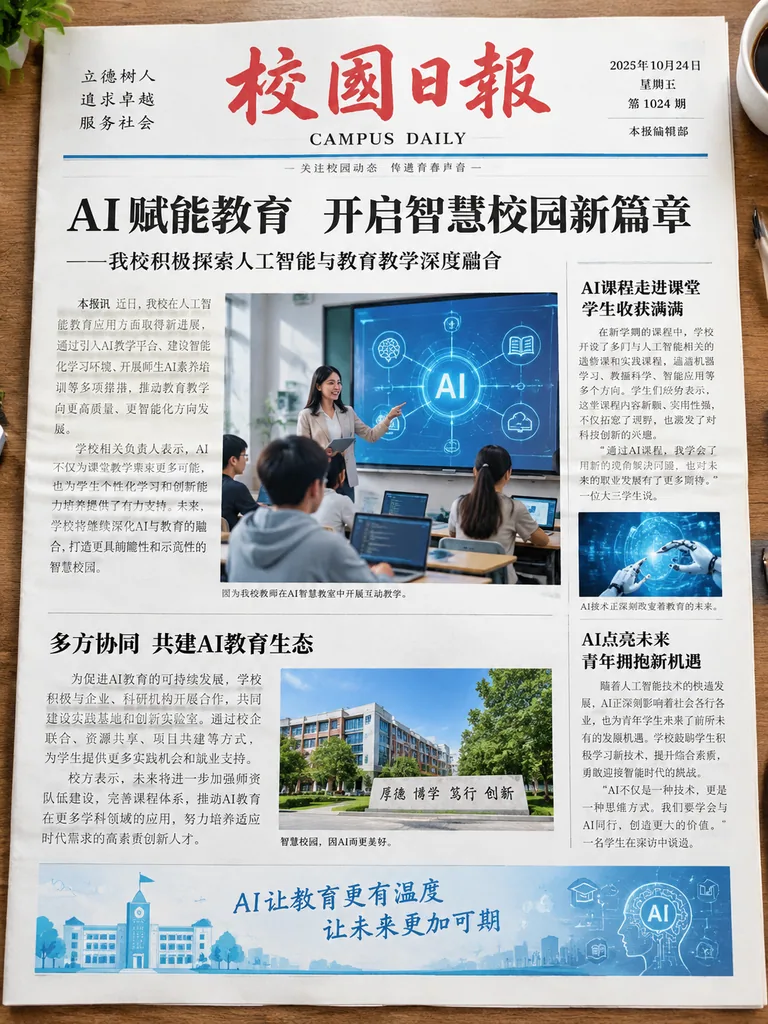
中文 生成一张校园日报,主题AI教育 English Generate a campus daily newspaper, theme AI education