
Best AI Video App for Android: No Install
The best AI video app for Android runs in the phone browser and shows the price before it renders. Reviral needs no install, and its UGC studio turns product photos into a 15-second 9:16 video for 278 credits (~$3.47).
- 100
- free credits at sign-up
- $0
- subscription needed
What it costs on an Android phone
A 15-second vertical creator video costs 278 credits (~$3.47) in the UGC studio. A 5-second clip from a photo on Kling V2.6 costs 27 credits (~$0.34), and an ad picture costs 3 credits (~$0.04). No subscription and no app purchase: you buy credit packs only when you need them.
Live price
What it costs on Reviral, live price
Dollar prices are at the $4.99 Mini Pack rate ($4.99 for 400 credits).
Reviral · live price
Read from Reviral's live prices each time this page loads.
| Clip | Credits | Dollars |
|---|---|---|
| UGC studio clip, 15 s at 720p | 278 credits | $3.47 |
New accounts get 100 free credits, no card needed. The exact price is on the button before you render.
What works on the phone
The site has its own phone menu, and the studios open in the browser: the UGC studio for product videos, Cinema for photo-to-video clips, Image Ads for ad pictures, the free hook generator and AI Influencer for a recurring character.
For frame-by-frame timeline edits, open the browser editor on a computer and finish the cut there.
Posting from Android
A finished video can go straight from its project page to YouTube, TikTok, Instagram, Facebook and Threads. Write captions fills in a YouTube title and a caption for each platform for free.
On this site
Examples made with Reviral
Each example below was made with Reviral; no stock media.
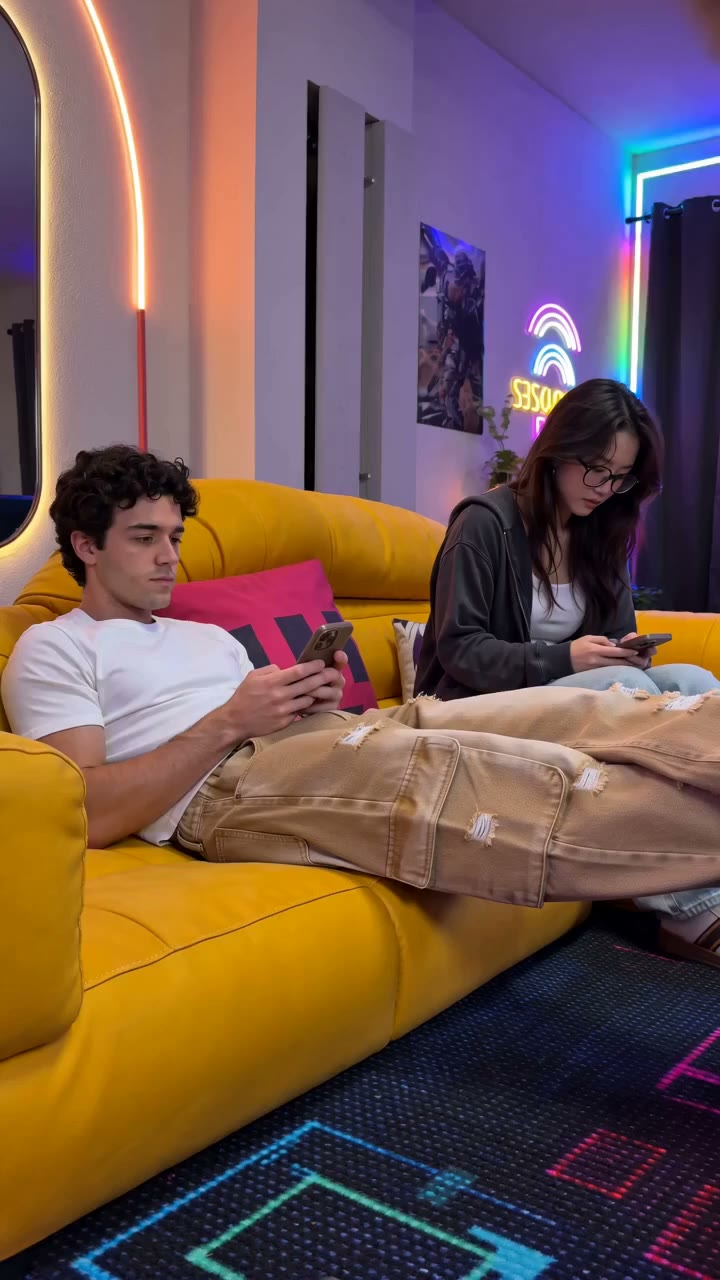
Vertical creator review made in the UGC studio (still from the video)
Frequently asked questions
What is the best Android app to edit videos for YouTube?+
For making the video on Android, Reviral in the phone browser: make a vertical or 16:9 clip, press Write captions for a YouTube title of up to 100 characters, and publish to YouTube from the project page. For frame-by-frame timeline edits, open Reviral's browser editor on a computer.
Do I need to install an app?+
No. Reviral runs in the Android browser, so you start straight from the website.
Is there a free AI video app for Android?+
New accounts get 100 free credits with no card, and every studio shows the charge before it renders. Videos from an account that has never paid carry a small Reviral logo; any credit pack removes it.
Price shown before you render
Make a vertical video
New accounts get 100 free credits, no card needed. Credit packs never expire.
Make a vertical videoBy Wilson Sik Founder, Reviral Last updated